
How To Videos
Instructions on how to accomplish any Task in Your CRM
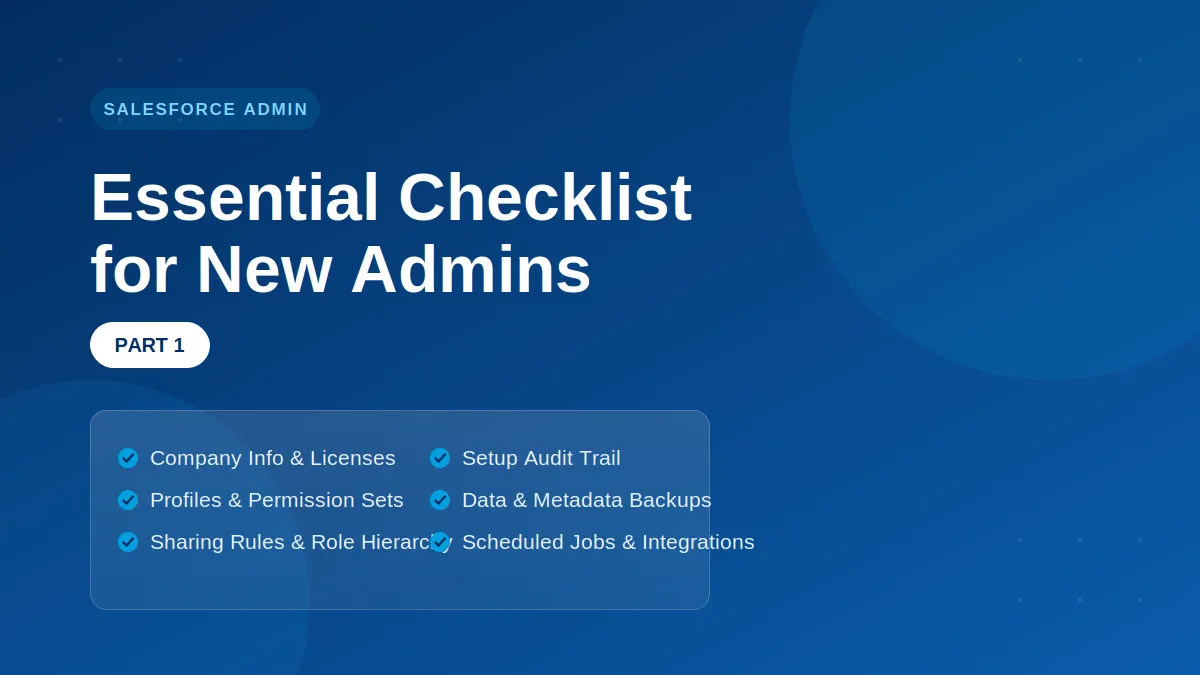
Essential Checklist for New Admins (Part 1)
Essential Checklist for New Admins (Part 1)
Whether it is your first job in your Salesforce career or your sixth, we have compiled a helpful checklist of must-dos when diving into a new-to-you org. We learned some painful lessons the hard way so you don’t have to struggle like we did.
This blog post will help you understand and make an impact on your new org fast.
Review Company Information
Who is the primary contact for your org? Do you know which edition of Salesforce is your org? How many licenses are used and available? How about the permission set licenses?
There are restrictions based on which edition of Salesforce it is, for example: Essential and Professional Editions do not have Login As function. It is helpful to be aware of limitations of your org.
Review Profiles and Permission Sets
This is KEY. The first thing some experienced administrators do when they gain access into an org is to remove admin permissions from others. That might be a little extreme, but it reflects an important aspect of being a Salesforce Administrator.
It’s also important to do a simple inventory of the custom profiles, permission sets, and permission set groups that exist in your org; too many profiles becomes problematic and hard to manage. Often, the longer an org has existed, the more changes have to be made. The company and its people are not static, nor are their roles and how they might need to use Salesforce. Ideally, each user should only have the permissions in Salesforce that support their specific job within the company.
Review OWD, Sharing Rules and Role Hierarchy
How are records access being shared? Who can see what? Who can edit what? We have seen it all: a free for all, or a complete lockdown. The perfect balance of object level permission and record level permissions is elusive. Role hierarchy and sharing rules are powerful tools for this elusive balance. It takes time to get the Role Hierarchy right, but the OWD, Sharing Rules and Role Hierarchy ensure appropriate user access to records and accurate reporting. [Link to a post about role hierarchy]
Setup Audit Trail
The Setup Audit Trail is your friend. The Setup Audit Trail tracks up to six months of system changes in an org, i.e. fields added and removed, functions turned on and off, mass transfers, security changes and more. One of the first things a new administrator should do is to download and review the Setup Audit Trail. It will give you some insight into who is doing what in your org. Since it only reflects the last 6 months of changes, it’s worth downloading and storing the Setup Audit Trail no less than every 5 months to keep a full history of your org.
Data Backup - Data and Metadata
Before you jump into making changes, how is the data backed up? How about the metadata? Who and how does the team deploy changes and updates? An immediate data export is usually a good idea, and a partial copy sandbox is one of the easiest ways to backup metadata. If your company uses third party tools to manage backups, then get access to that tool immediately. And document how the company you work for requests, approves, develops, tests, and deploys changes to your Org; It’s called “governance” and if you don’t have it, you must fight for some way to control changes to your org.
Check Scheduled Jobs and Integrations
This ties into the previous point. Who is the running user for data exports, reports, dashboards, scheduled apex, scheduled jobs, integrations? Jobs should not be assigned to inactive users. The best practice for integrations is to be run by a dedicated integration user.
Have you checked out our Admin Certification videos on Youtube. It is completely free and we would love for you to subscribe to www.SalesforceZen.com

We are here to help you get the most out of the technology that you already own.
You've invested in your technology, Now invest in your people to get the ROI you need to succeed.

User Administration
Hire a new employee? Had to let someone go? Sales and Technology can setup new users, deactivate users who are no longer at your company, run audit report, and reclaim unused licenses.
Reports and Dashboards
Your CRM has a rich reporting platform, but most people don't take full advantage of all that it offers. Just tell us what kind of report you'd like to see, and we'll do the rest!
Custom Objects and Fields
Give up cumbersome spreadsheets. We can help you setup custom objects and fields so that you can organize, manage, and report on all your data in Salesforce!
Custom Page Layouts
Your CRM is customizable. Want a new field on your screen or see your fields in a specific order? We can setup a custom page layout just the way you want it.
Business Process Automation
Want to make your CRM work for you? We can help you automate complex data tasks, schedule reports to be sent, send emails, and pretty much anything else you can think of.
Data Backup and Restore
Keeping your back-up data in the cloud, doesn't save you if you accidentally delete records, or entire objects. We can implement a backup strategy that's right for your business.
© 2025 Sales And Technology Consultants, Llc - All Rights Reserved


